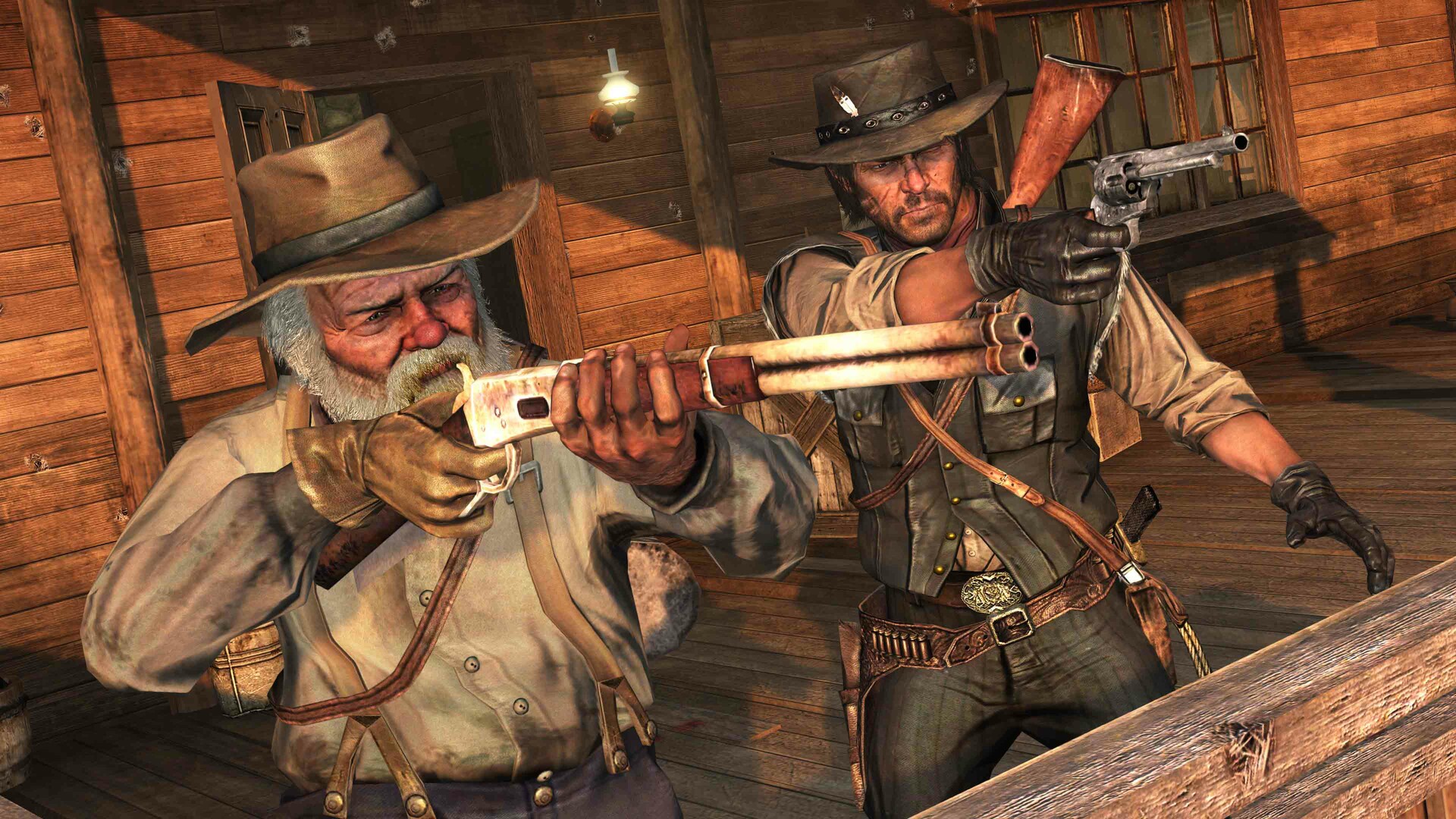
Saddle up, Gamers! After 14 long years of waiting, Rockstar Games and Double Eleven have officially brought Red Dead Redemption (and its legendary zombie-infested expansion Undead Nightmare) to PC. Experience the epic frontier journey of former outlaw John Marston as he tracks down the remaining members of the notorious Van der Linde gang across the sweeping expanses of the American West and Mexico.
Far from a simple port, the PC version delivers a phenomenal technical package boasting native 4K resolution, unlocked 144Hz+ framerates, Ultrawide (21:9) and Super Ultrawide (32:9) monitor support, HDR10, and cutting-edge NVIDIA DLSS 3.7 & AMD FSR 3 Frame Generation. Below is the complete breakdown of official Red Dead Redemption PC system requirements, modern hardware benchmarks, and optimization settings.
⚡ Instant Frontier Benchmark: Can Your PC Run Red Dead Redemption?
Test your gaming laptop, graphics card, or desktop rig in real time against Rockstar's wild west masterpiece:
🔥 Check Can I Run It? — Instant Rig & FPS Tester →Red Dead Redemption — Official PC System Requirements
| Hardware Component | Minimum (1080p / 30 FPS / Low Preset) | Recommended (1080p / 60 FPS / High Preset) |
|---|---|---|
| Operating System | Windows 10 (64-bit) | Windows 10 / Windows 11 (64-bit with latest updates) |
| Processor (CPU) | Intel Core i5-4670 / AMD FX-9590 | Intel Core i5-8500 / AMD Ryzen 5 3500X (or Ryzen 5 3600) |
| Memory (RAM) | 8 GB RAM | 8 GB - 16 GB Dual-Channel RAM |
| Graphics Card (GPU) | NVIDIA GeForce GTX 960 / AMD Radeon R7 360 (2GB VRAM) | NVIDIA GeForce RTX 2070 / AMD Radeon RX 5700 XT (8GB VRAM) |
| DirectX Version | DirectX 12 API | DirectX 12 API |
| Storage Space | 12 GB available space | 12 GB SSD space (SSD Recommended) |
| Includes Content | Base Game + Undead Nightmare + Bonus Outfits | Complete Story + Undead Nightmare Expansion |

2026 Modern Hardware Tiers: 144Hz & 4K Ultra Performance
Thanks to great optimization by Double Eleven, Red Dead Redemption is significantly lighter on GPU hardware than Red Dead Redemption 2, allowing modern cards to easily achieve triple-digit framerates:
| Target Setup | Processor (CPU) | Graphics Card (GPU) | Expected Performance |
|---|---|---|---|
| 1080p Ultra (60+ FPS) | Intel Core i3-12100F / AMD Ryzen 5 3600 | GTX 1660 Super / RTX 3050 / Radeon RX 6600 | 75 - 100 FPS (Ultra Settings) |
| 1440p / Ultrawide 144Hz Display | Intel Core i5-13400F / AMD Ryzen 5 5600X | RTX 3070 / RTX 4060 Ti / Radeon RX 6700 XT | 120 - 144+ FPS (Maxed Draw Distance) |
| 4K Ultra HD (3840x2160 @ 144 FPS) | Intel Core i7-14700K / AMD Ryzen 7 7800X3D | RTX 4070 Super / RTX 4080 / Radeon RX 7900 XT | Native 4K 144 FPS + DLSS Quality |

Pro Optimization: Best Settings for Visual Clarity & Max FPS
The PC edition includes robust graphics options. Here are the ideal settings to balance pristine frontier vistas with blistering framerates:
- Shadow Quality & Shadow Distance: Setting Shadow Quality to High instead of Ultra yields an instant 10-12% FPS gain while keeping horse and foliage shadow resolution razor sharp.
- DLSS 3.7 & FSR 3 Frame Generation: If you are playing on a high-refresh 144Hz or 240Hz monitor at 1440p/4K, enabling DLSS/FSR Frame Generation provides butter-smooth motion with virtually zero artifacting.
- Draw Distance Scale: You can push Draw Distance to 100% on any GPU with 6GB+ VRAM to eliminate mountain and desert rock pop-in completely across the New Austin horizon.
- Anisotropic Filtering: Keep this permanently set to 16x. It has virtually zero impact on modern graphics cards while keeping ground terrain and saloon floorboards crystal clear.
- Mouse Raw Input & Acceleration: In the controls menu, disable Mouse Smoothing and enable Direct Raw Input for pinpoint Dead Eye revolver headshots.