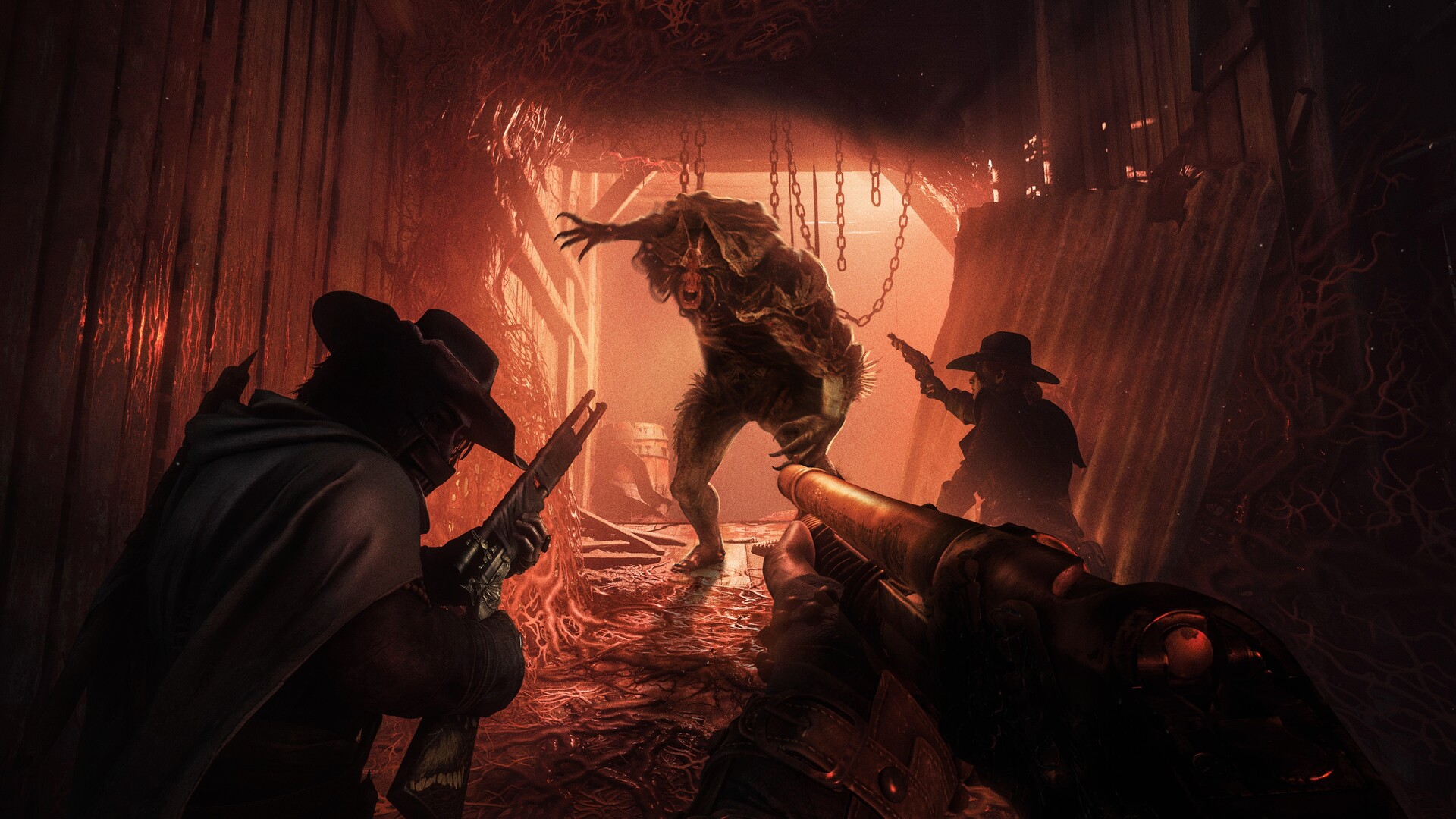
Lock your chambers and steady your aim, Gamers! Crytek has officially ushered in a brand-new era for tactical extraction shooters with Hunt: Showdown 1896. Powered by a massive technological leap to CRYENGINE 5.11 and migrating entirely to DirectX 12, the update introduces the rugged, mountainous Colorado biome of Mammon's Gulch, photorealistic global illumination, enhanced bullet penetration physics, and world-class 3D spatial audio.
Because Crytek dropped legacy DirectX 11 architectures to embrace modern GPU hardware features, hardware requirements have shifted significantly. Below is your complete, authoritative breakdown of official Hunt: Showdown 1896 PC system requirements, competitive 144Hz esports settings, and audio optimization fixes.
⚡ Instant Bayou Benchmark: Can Your PC Run Hunt: Showdown 1896?
Test your gaming laptop, GPU, or desktop rig instantly against CryEngine 5.11's demanding DirectX 12 pipeline:
🔥 Check Can I Run It? — Instant Rig & FPS Tester →Hunt: Showdown 1896 — Official PC System Requirements
| Component | Minimum (1080p / 60 FPS / Low Preset) | Recommended (1080p / 60-90 FPS / High Preset) |
|---|---|---|
| Operating System | Windows 10 (64-bit) | Windows 11 (64-bit with latest updates) |
| Processor (CPU) | Intel Core i7-7700 (7th Gen) / AMD Ryzen 5 2600 | Intel Core i7-8700 (8th Gen) / AMD Ryzen 5 2700 |
| Memory (RAM) | 8 GB RAM | 12 GB - 16 GB RAM (Dual-Channel strongly recommended) |
| Graphics Card (GPU) | NVIDIA GeForce GTX 1650 Super 4GB / AMD Radeon RX 5500 XT 4GB | NVIDIA GeForce RTX 2060 Super 8GB / AMD Radeon RX 6600 XT 8GB |
| DirectX Version | DirectX 12 API (Feature Level 12_0) | DirectX 12 API (Feature Level 12_0) |
| Storage Space | 75 GB available space (SSD Required) | 75 GB PCIe NVMe M.2 SSD space |
| Audio & Network | Broadband Internet + Stereo Headphones | Low-latency Ethernet + Audiophile Stereo Headphones |
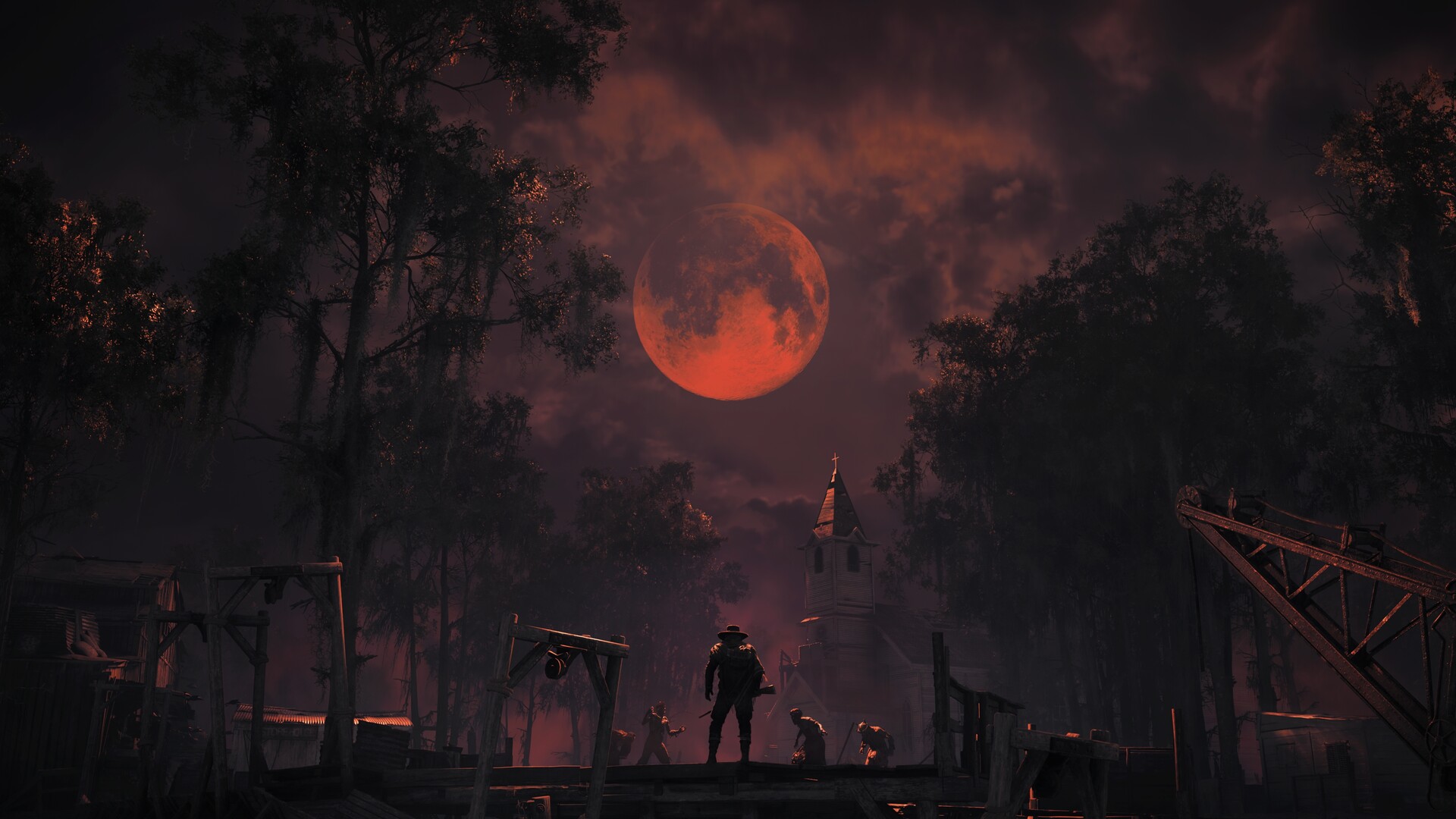
2026 Competitive Esports Tiers (144Hz & 1440p High-FPS)
In high-stakes PvPvE extraction matches where a split-second headshot decides who keeps the bounty, achieving high frame rates and minimal input latency is mandatory:
| Target Setup | Processor (CPU) | Graphics Card (GPU) | Expected Performance |
|---|---|---|---|
| 1080p Competitive (100+ FPS) | Intel Core i5-12400F / AMD Ryzen 5 5600 | RTX 3060 12GB / RTX 4060 / Radeon RX 6700 XT | 100 - 130 FPS (Competitive Custom Settings) |
| 1440p 144Hz Sweet Spot | Intel Core i5-13600K / AMD Ryzen 7 5700X3D | RTX 4070 Super / Radeon RX 7800 XT | Locked 144 FPS / DLSS Quality Mode |
| 4K Ultra & Max Global Illumination | Intel Core i7-14700K / AMD Ryzen 7 7800X3D | RTX 4080 Super / RTX 4090 / RX 7900 XTX | 4K 100-140+ FPS (Ultra Preset / DLSS/FSR) |
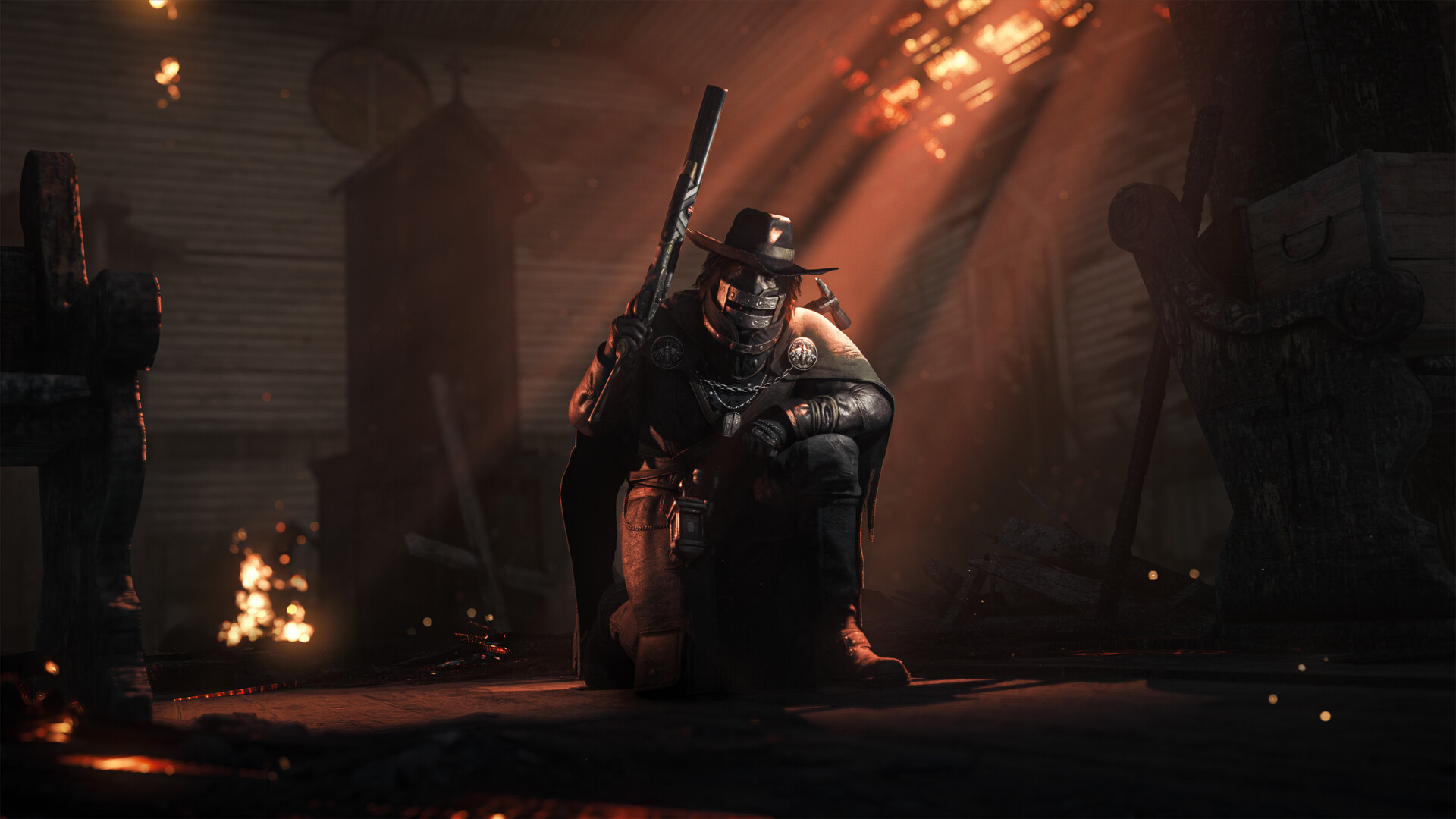
Pro Competitive Guide: Audio Setup & CryEngine Settings
1. Binaural 3D Audio Settings (Critical Rule)
Crytek's proprietary 3D audio engine uses binaural recording designed specifically for Stereo Headphones. Do not use Windows Sonic, Dolby Atmos, or virtual 7.1 software on your PC—these virtual surround wrappers distort the in-engine directional sound cues (crows, breaking twigs, monster footsteps), making enemy hunter positions harder to pinpoint.
2. Best Graphics Settings for Maximum FPS & Sightline Clarity
- Object Quality & Render Distance: Set to High. This ensures enemy hunter models and compound windows do not pop in or fade out at long rifle sniping distances.
- Volumetric Fog & Lighting: Set to Low or Medium. Maxing out fog creates heavy volumetric bloom that obscures enemy snipers in dark mine shafts and foggy river crossings.
- Motion Blur & Depth of Field: Turn OFF immediately for crystal-clear iron sight tracking.
- DLSS / FSR 3.1: Enable in Quality mode along with NVIDIA Reflex (On + Boost) to minimize click-to-muzzle input latency.
0 comments:
Post a Comment