
Lock and load, Gamers! Capcom's Resident Evil 4 Remake stands tall as one of the greatest survival horror masterpieces ever crafted. Rebuilding Leon S. Kennedy's desperate mission through a macabre Spanish village from the ground up on Capcom's formidable RE Engine, the remake pairs nail-biting combat and knife-parry mechanics with breathtaking photorealistic visual design.
Whether you are facing down the chainsaw-wielding Dr. Salvador, surviving the Salazar castle siege, or conquering the Separate Ways DLC, running the RE Engine smoothly requires a precise balance of GPU VRAM management and shader settings. Below is the complete, definitive breakdown of Resident Evil 4 Remake PC system requirements, 1440p/4K ray tracing targets, and essential performance optimization fixes.
⚡ Instant Horror Benchmark: Can Your PC Run RE4 Remake?
Test your gaming laptop, graphics card, or custom desktop rig in seconds with our real-time hardware simulator:
🔥 Check Can I Run It? — Instant Rig & FPS Tester →Resident Evil 4 Remake — Official PC System Requirements
| Component | Minimum (1080p / 45-60 FPS / Performance) | Recommended (1080p / 60 FPS / Balanced) |
|---|---|---|
| Operating System | Windows 10 / Windows 11 (64-bit) | Windows 10 / Windows 11 (64-bit with latest updates) |
| Processor (CPU) | AMD Ryzen 3 1200 / Intel Core i5-7500 | AMD Ryzen 5 3600 / Intel Core i7-8700 |
| Memory (RAM) | 16 GB RAM (Dual-Channel) | 16 GB RAM (DDR4 / DDR5 High-Speed) |
| Graphics Card (GPU) | AMD Radeon RX 560 4GB / NVIDIA GeForce GTX 1050 Ti 4GB | AMD Radeon RX 5700 / NVIDIA GeForce GTX 1070 8GB |
| Ray Tracing GPU | AMD Radeon RX 6700 XT / NVIDIA GeForce RTX 2060 6GB | AMD Radeon RX 6750 XT / NVIDIA GeForce RTX 2070 / RTX 3060 |
| DirectX Version | DirectX 12 (Feature Level 12_0) | DirectX 12 (Feature Level 12_0) |
| Storage Space | 60 GB available hard drive space | 70 GB SSD space (Recommended for instant texture streaming) |

2026 Modern Hardware Tiers (1440p 120 FPS & 4K Ray Tracing)
For gamers targeting fluid 100+ FPS framerates in heavy village rainstorms or pristine 4K resolution with full Ray Tracing turned on, here is how modern hardware performs:
| Target Experience | Processor (CPU) | Graphics Card (GPU) | Expected Performance |
|---|---|---|---|
| 1080p High (60+ FPS) | Intel Core i5-10400F / AMD Ryzen 5 3600 | GTX 1660 Super / RTX 3050 / Radeon RX 6600 | 60 - 80 FPS (High Preset / FSR Quality) |
| 1440p Max + Ray Tracing (100+ FPS) | Intel Core i5-13400F / AMD Ryzen 5 7600 | RTX 4070 / RTX 3080 10GB / Radeon RX 7800 XT | 100 - 120 FPS / Ray Tracing High |
| 4K Ultra + RT + Max Hair Strands | Intel Core i7-14700K / AMD Ryzen 7 7800X3D | RTX 4080 Super / RTX 4090 / RX 7900 XTX | 4K 90-120+ FPS (Ultra Preset / DLSS/FSR) |
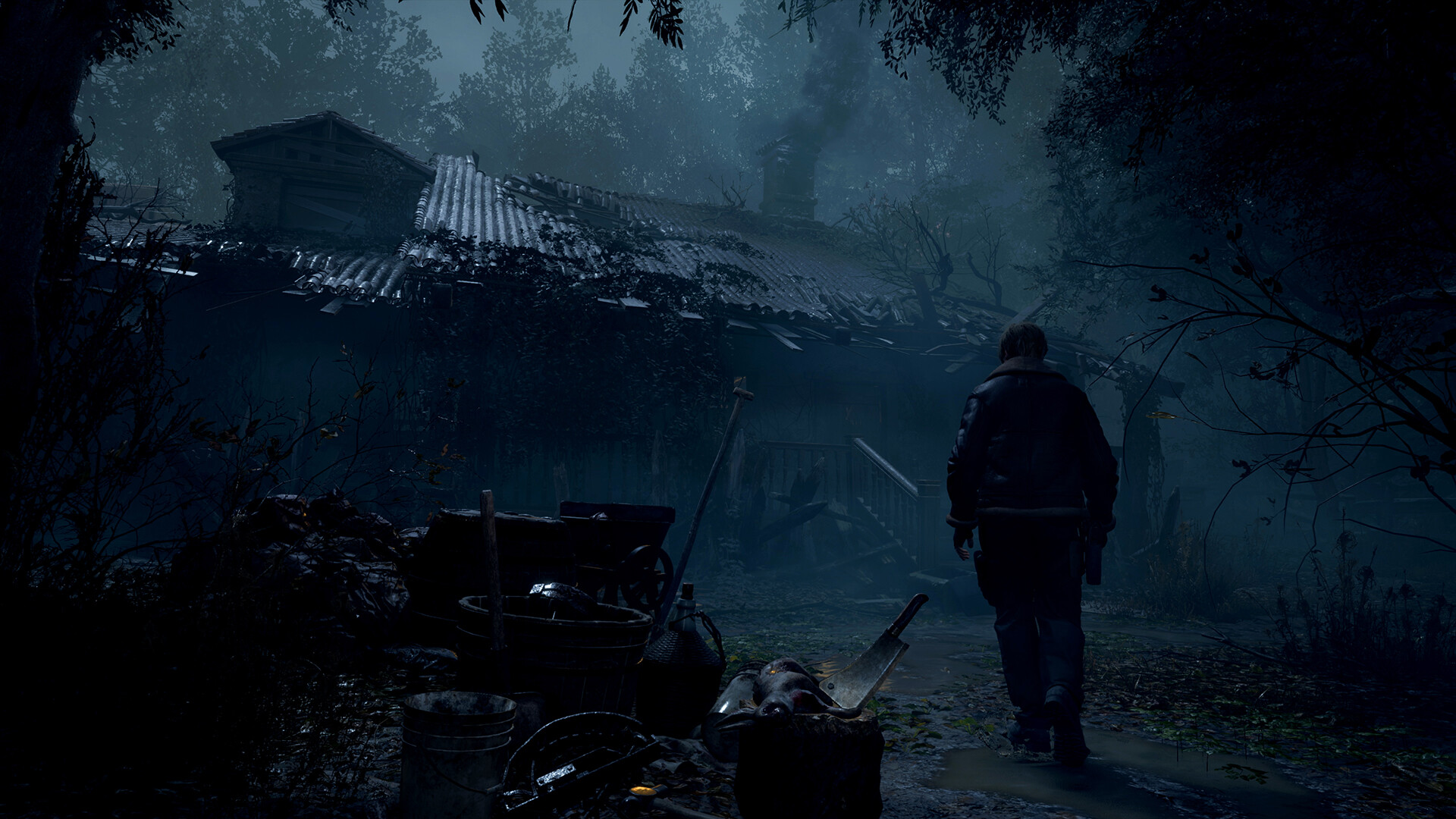
Pro Optimization: Preventing RE Engine VRAM Crashes & Boosting FPS
The RE Engine features a built-in memory allocation meter in the graphics menu. Configuring these settings correctly prevents the notorious "Fatal D3D Error / Device Lost" crashes:
- Keep VRAM Allocation in Orange or White: Never allow the VRAM memory bar to turn red. If you exceed your graphics card's physical VRAM buffer, Windows will page textures to system RAM, triggering brutal frame drops and mid-game crashes. Set Texture Quality to High (2 GB) or High (1 GB) on 8GB cards.
- Hair Strands Setting: While individual strand physics for Leon and Ashley look great, setting Hair Strands to High costs approximately 12-18% of your overall GPU framerate. Setting it to Normal or Off provides an immediate performance boost.
- Volumetric Lighting & Shadow Quality: Set Volumetric Lighting to Medium and Shadows to High. Volumetric lighting at maximum creates excessive fog overdraw in the cemetery and lake areas without noticeable visual benefit.
- Upscaling & FidelityFX Super Resolution: Enable AMD FSR 2.2 / FSR 3 or use community DLSS / XeSS mods set to Quality mode for razor-sharp 1440p/4K rendering at significantly lower GPU temperatures.
- Motion Blur & Lens Distortion: Disable Motion Blur and Chromatic Aberration for maximum visual clarity when aiming down sights with the sniper rifle or riot shotgun.
0 comments:
Post a Comment