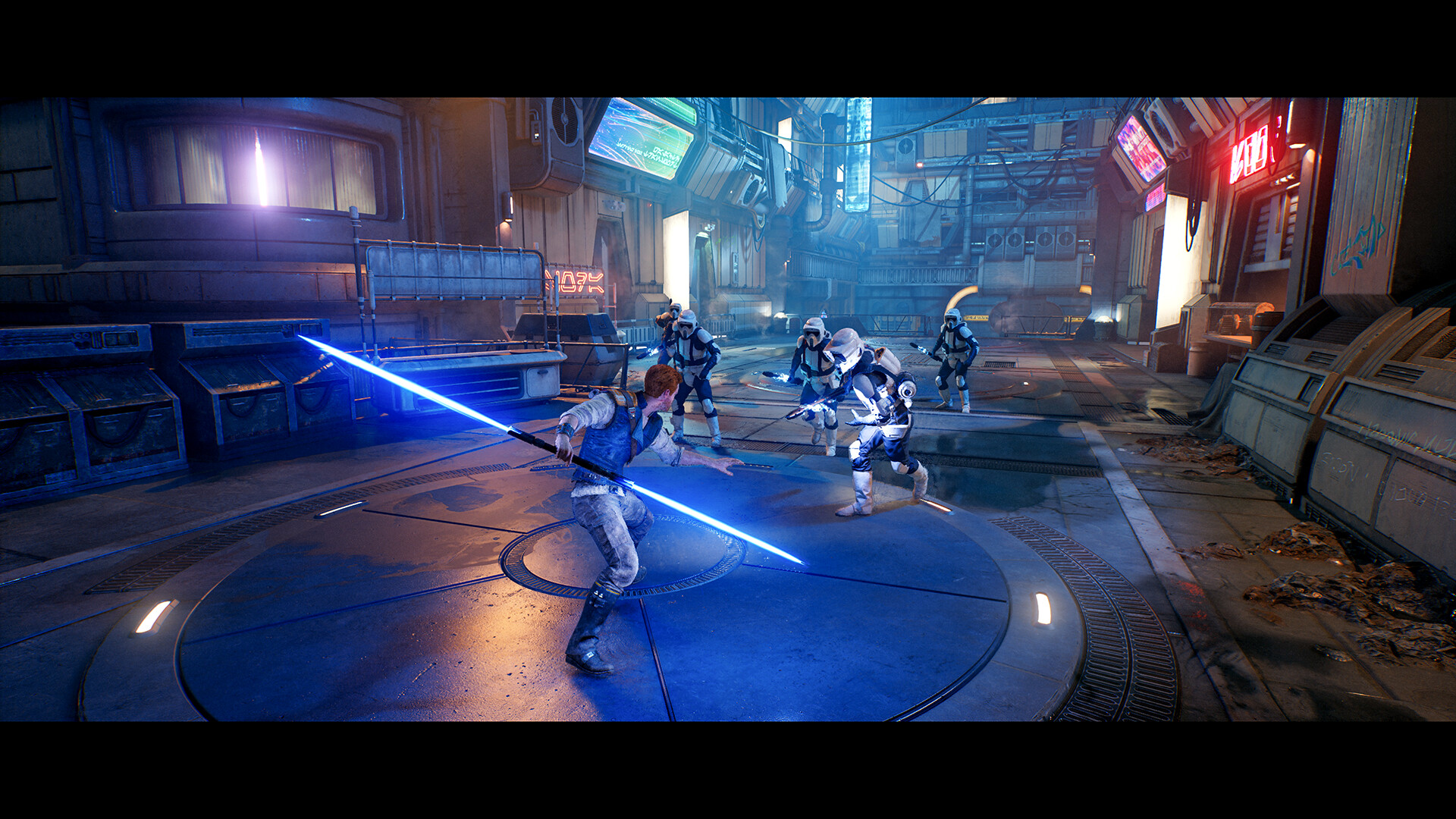
Ignite your lightsaber, Gamers! STAR WARS Jedi: Survivor™ is an epic, galaxy-spanning action adventure that expands Cal Kestis’ journey across vast, breathtaking worlds like Koboh and Jedha. Packed with stunning ray-traced lighting, dual-wielding lightsaber combat, and massive open-world traversal, this 155 GB behemoth demands substantial CPU single-thread muscle, fast VRAM throughput, and high-speed NVMe storage to run at its absolute best.
⚔️ Is The Force Strong With Your Battle Station?
Wondering if your CPU and GPU combo can conquer Koboh’s Rambler's Reach at a smooth 60+ or 120+ FPS? Benchmark your hardware instantly with our live FPS tool:
TEST JEDI SURVIVOR RIG PERFORMANCE →Official STAR WARS Jedi: Survivor PC System Requirements
EA and Respawn Entertainment’s official specifications reflect the hardware needed to explore the galaxy:
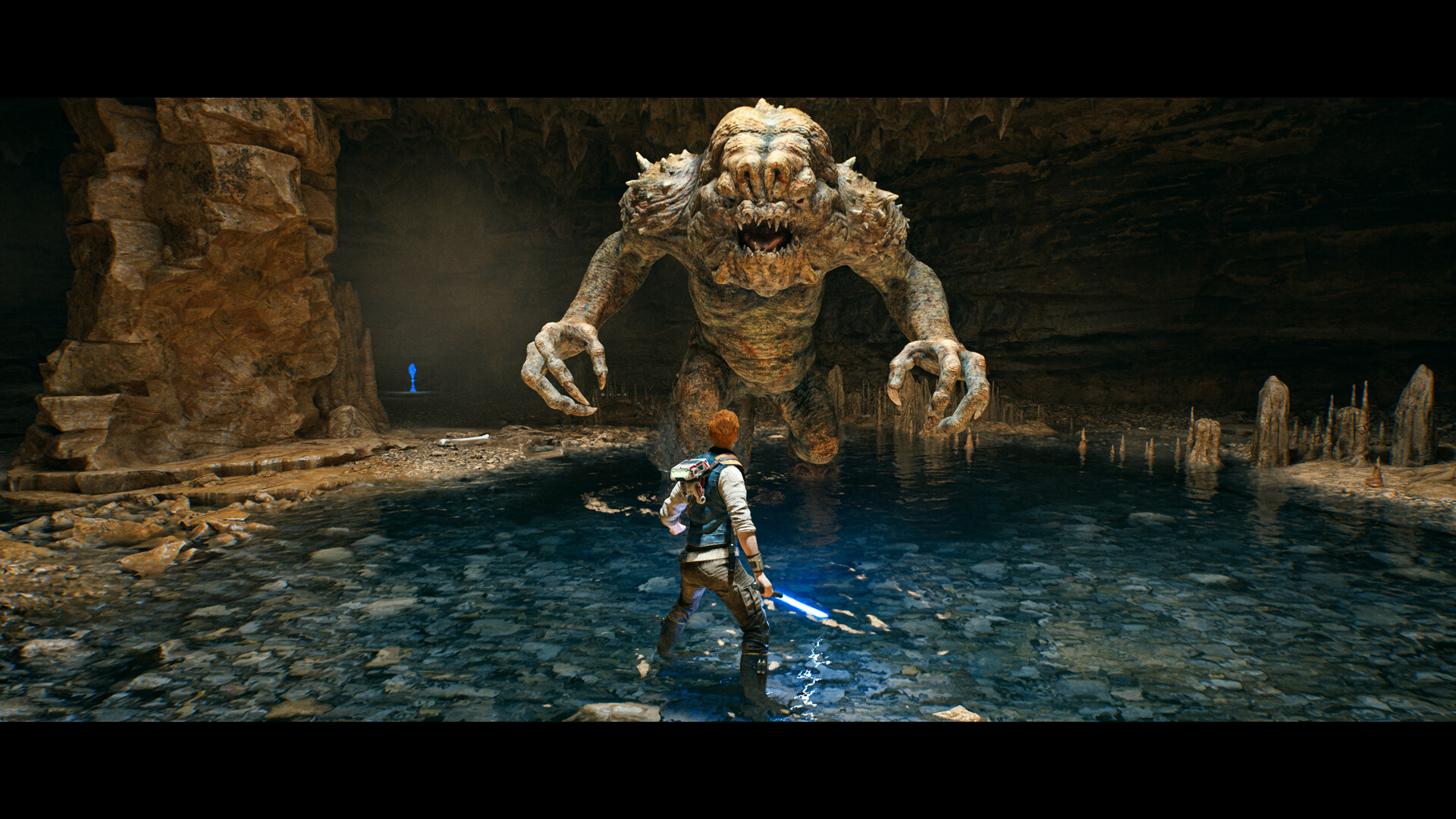
2026 Realistic Benchmarks & Planetary Traversal Tiers
With the latest performance patches and official DLSS / FSR 3 Frame Generation support, Jedi: Survivor runs substantially smoother today. Here are our tested hardware targets:
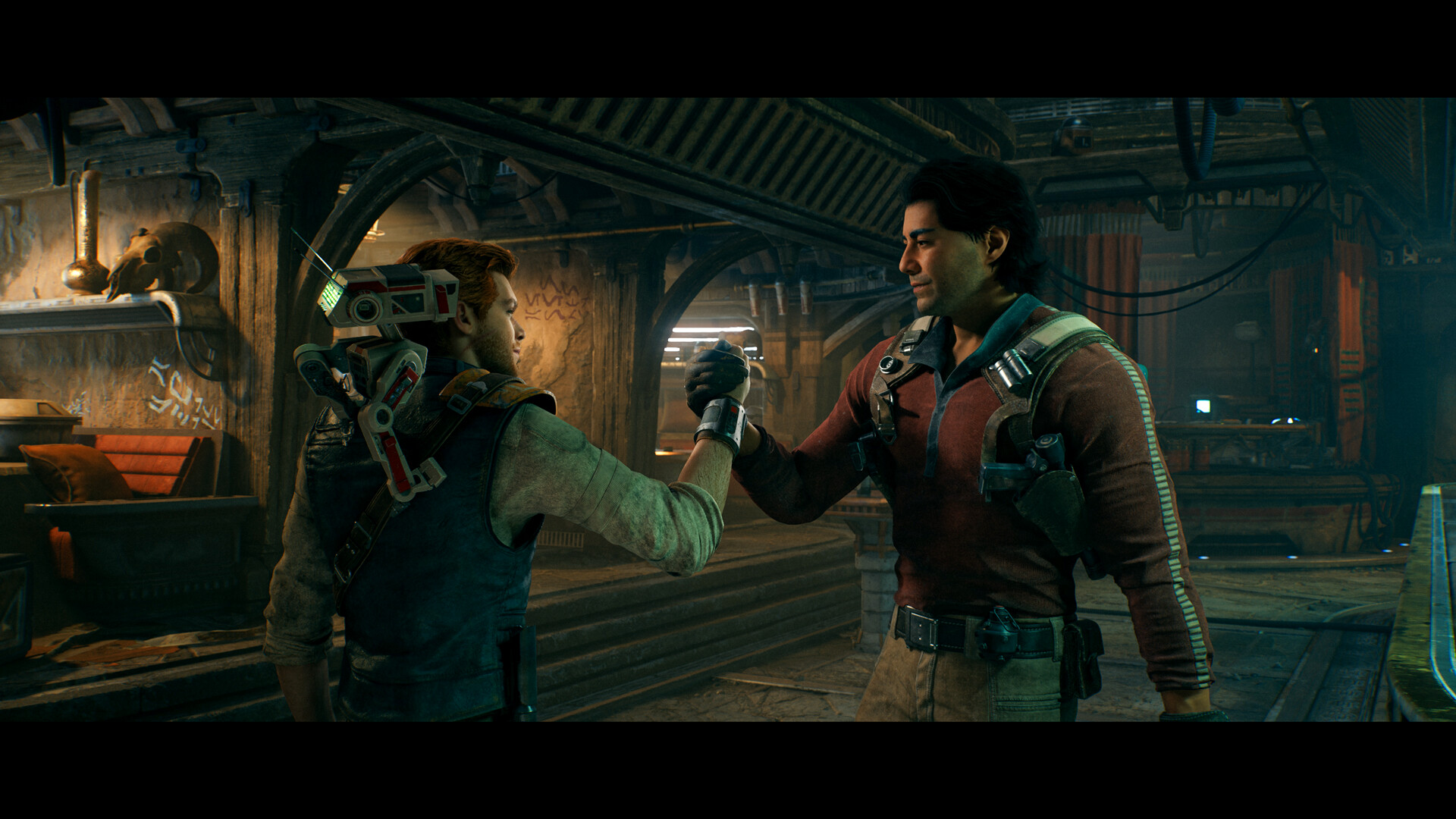
Best Optimization Settings & Stutter Reduction Guide
- Ray Tracing: Turn Ray Tracing OFF on GPUs with less than 12GB VRAM. Standard rasterized lighting is gorgeous and saves 35-45% GPU overhead and prevents VRAM spilling.
- Frame Generation (DLSS 3 / FSR 3): Enable Frame Generation if playing at 1440p or 4K with a compatible GPU. It bypasses CPU draw-call limits in dense settlement hubs like Rambler’s Reach.
- Foliage Detail: High instead of Epic (Reduces geometry draw calls in dense Koboh brush without visual loss).
- Shadow Quality: High (Crisp shadows without the severe performance hit of Epic cascades).
- Fast NVMe SSD: Do not install this 155 GB game on an HDD. Asset decompression relies heavily on fast NVMe read bandwidth during sprint and Nekko riding traversal.
Looking for More Action RPG Specs & GPU Guides?
Check out our full library of AAA benchmark guides and hardware tier lists:
0 comments:
Post a Comment