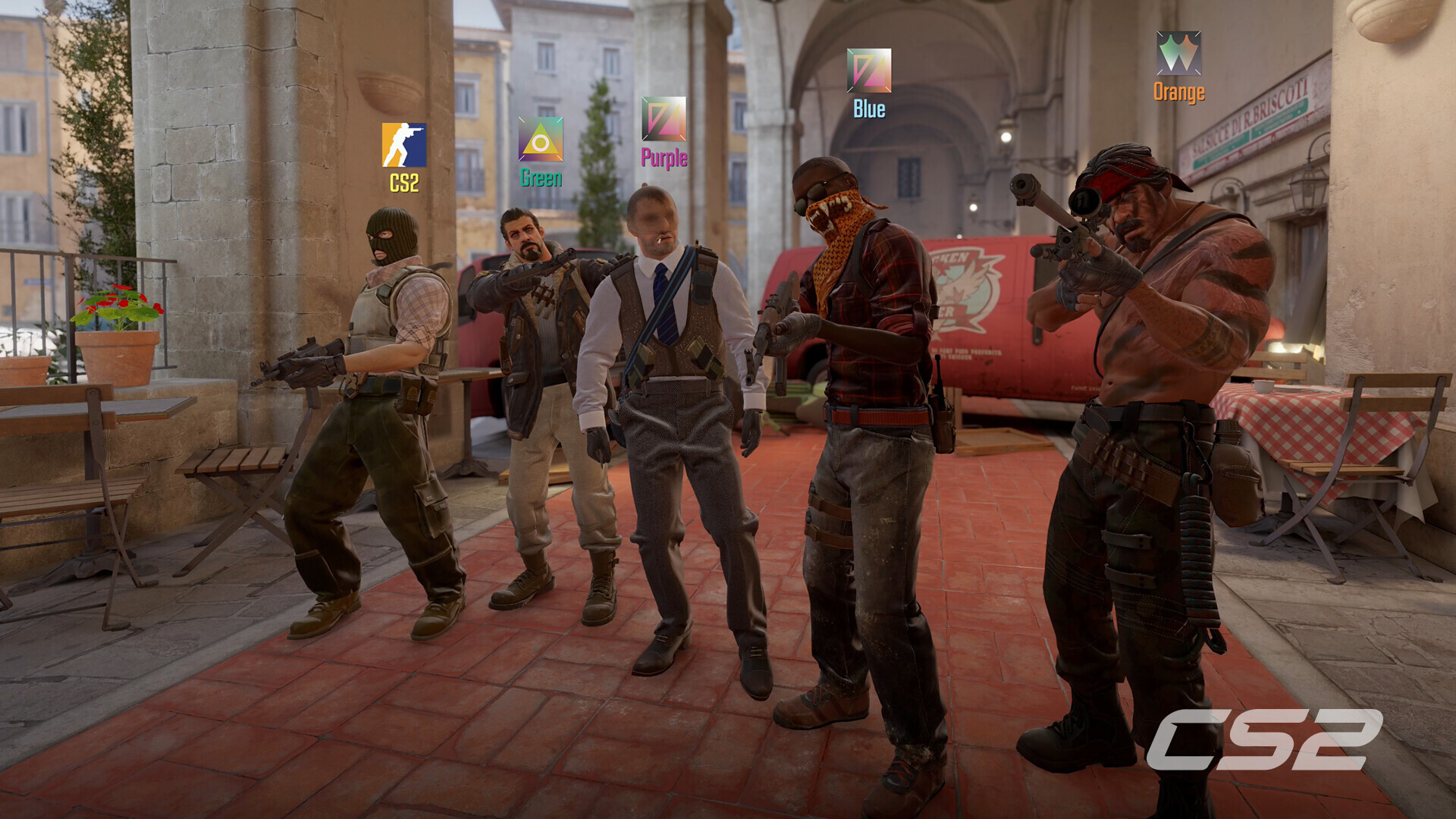
Lock in your crosshair and check your corners, Gamers! Valve's competitive juggernaut, Counter-Strike 2, represents the biggest technological leap in the franchise's legendary 25-year history. Powered by the next-generation Source 2 Engine, CS2 introduces responsive volumetric dynamic smokes, physically-based rendering (PBR), redesigned maps (Mirage, Inferno, Nuke, Dust II), and sub-tick server networking.
Because Source 2 replaces the lightweight CPU rendering of legacy CS:GO with advanced GPU shader lighting and volumetric particle physics, achieving unwavering 240Hz, 360Hz, and 540Hz framerates requires properly optimized hardware. Below is the complete, definitive breakdown of official Counter-Strike 2 PC system requirements, esports hardware tiers, and pro competitive video settings.
⚡ Instant Premier Benchmark: Can Your PC Run CS2?
Test your gaming laptop, budget rig, or custom esports battlestation in real time against Source 2's demanding particle physics:
🔥 Check Can I Run It? — Instant Rig & FPS Tester →Counter-Strike 2 — Official PC System Requirements
| Hardware Component | Minimum (1080p / 60 FPS Casual) | Recommended (1080p / 144-240 FPS Competitive) |
|---|---|---|
| Operating System | Windows 10 (64-bit) | Windows 10 / Windows 11 (64-bit with latest updates) |
| Processor (CPU) | 4 hardware threads (Intel Core i5-750 or higher / AMD FX-6300) | Intel Core i5-12400F / AMD Ryzen 5 5600 (High single-core IPC) |
| Memory (RAM) | 8 GB RAM | 16 GB - 32 GB Dual-Channel DDR4 / DDR5 (Eliminates 1% low frame drops) |
| Graphics Card (GPU) | 1 GB VRAM DirectX 11 with Shader Model 5.0 (NVIDIA GTX 650 / Radeon HD 7750) | NVIDIA GeForce GTX 1660 Super / RTX 3060 / AMD Radeon RX 6600 (6GB+ VRAM) |
| DirectX / Graphics API | DirectX 11 | DirectX 11 / Vulkan API |
| Storage Space | 85 GB available space | 85 GB NVMe SSD space (Instant map caching & shader precompilation) |
| Anti-Cheat & Network | Valve Anti-Cheat (VAC) + Broadband Connection | VAC Live + Sub-15ms Low Ping Wired Ethernet |
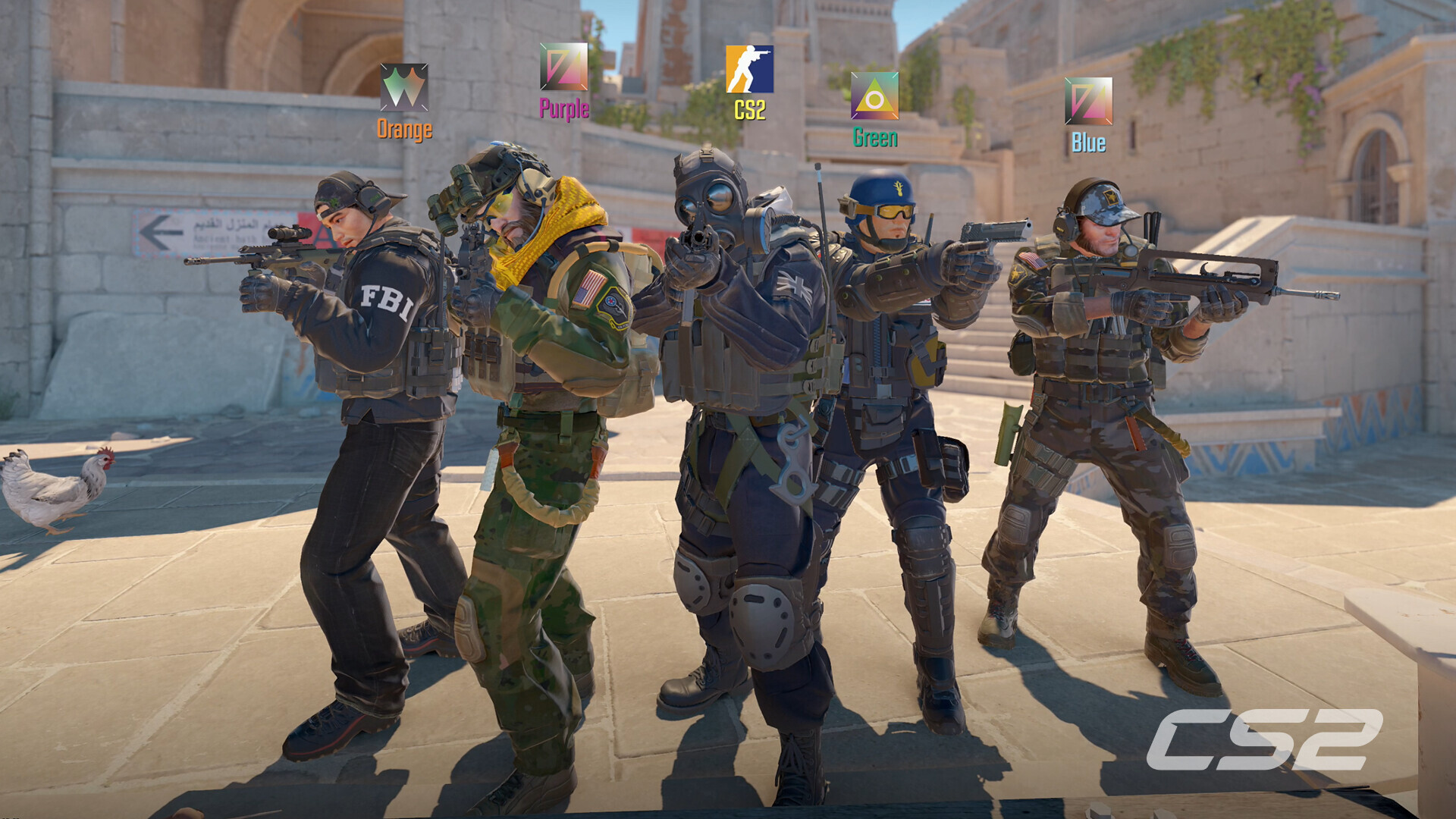
Esports Hardware Tiers (240Hz, 360Hz & 540Hz OLED)
In high-tier Premier matches and FACEIT level 10 tournaments, micro-stutters during multi-smoke bombsite executions will ruin your aim tracking. Here is the hardware required for unwavering esports framerates:
| Target Refresh Rate | Processor (CPU) | Graphics Card (GPU) | Expected Performance |
|---|---|---|---|
| 1080p @ 144Hz (Competitive Entry) | Intel Core i5-10400F / AMD Ryzen 5 3600 | GTX 1660 Super / RTX 3050 / Radeon RX 6600 | Locked 150 - 200 FPS |
| 1080p / 1440p @ 240Hz (Premier Grinder) | Intel Core i5-13600K / AMD Ryzen 7 5700X3D | RTX 3060 Ti / RTX 4060 / Radeon RX 6700 XT | Locked 240 - 300+ FPS / Low Latency |
| 360Hz - 540Hz / Pro Esports Battlestation | AMD Ryzen 7 7800X3D / Intel Core i7-14700K | RTX 4070 Super / RTX 4080 / Radeon RX 7800 XT | 400 - 600+ FPS / Flawless 1% Lows |

Pro Competitive Video Settings & FPS Optimization Guide
Adopted by top CS2 professionals (s1mple, m0NESY, ZywOo, NiKo), these settings provide maximum sightline clarity while keeping input latency near zero:
- Global Shadow Quality: Set to High. Do not set Shadows to Low. Setting shadows to High renders long-distance dynamic player shadows cast around corners and catwalks, revealing enemy positions before their model peeks!
- Particle Detail: Set to Low. Setting this to Low prevents sudden framerate stutters when shooting through HE grenade dust or dynamic smoke plumes.
- Model / Texture Detail & Shader Detail: Set to Low for clean, uncluttered silhouettes.
- Multisampling Anti-Aliasing Mode: Set to 4X MSAA. MSAA eliminates stair-stepping on power lines and distant heads without the smearing blur of FXAA/CMAA.
- NVIDIA Reflex Low Latency: Set to Enabled + Boost. This eliminates GPU render queue queuing and synchronizes CPU-GPU frame delivery.
- FidelityFX Super Resolution (FSR): Set to Disabled (Highest Quality). FSR adds pixel shimmering to long-range weapon sights.
- Recommended Launch Options:
-novid -nojoy +fps_max 0.
0 comments:
Post a Comment