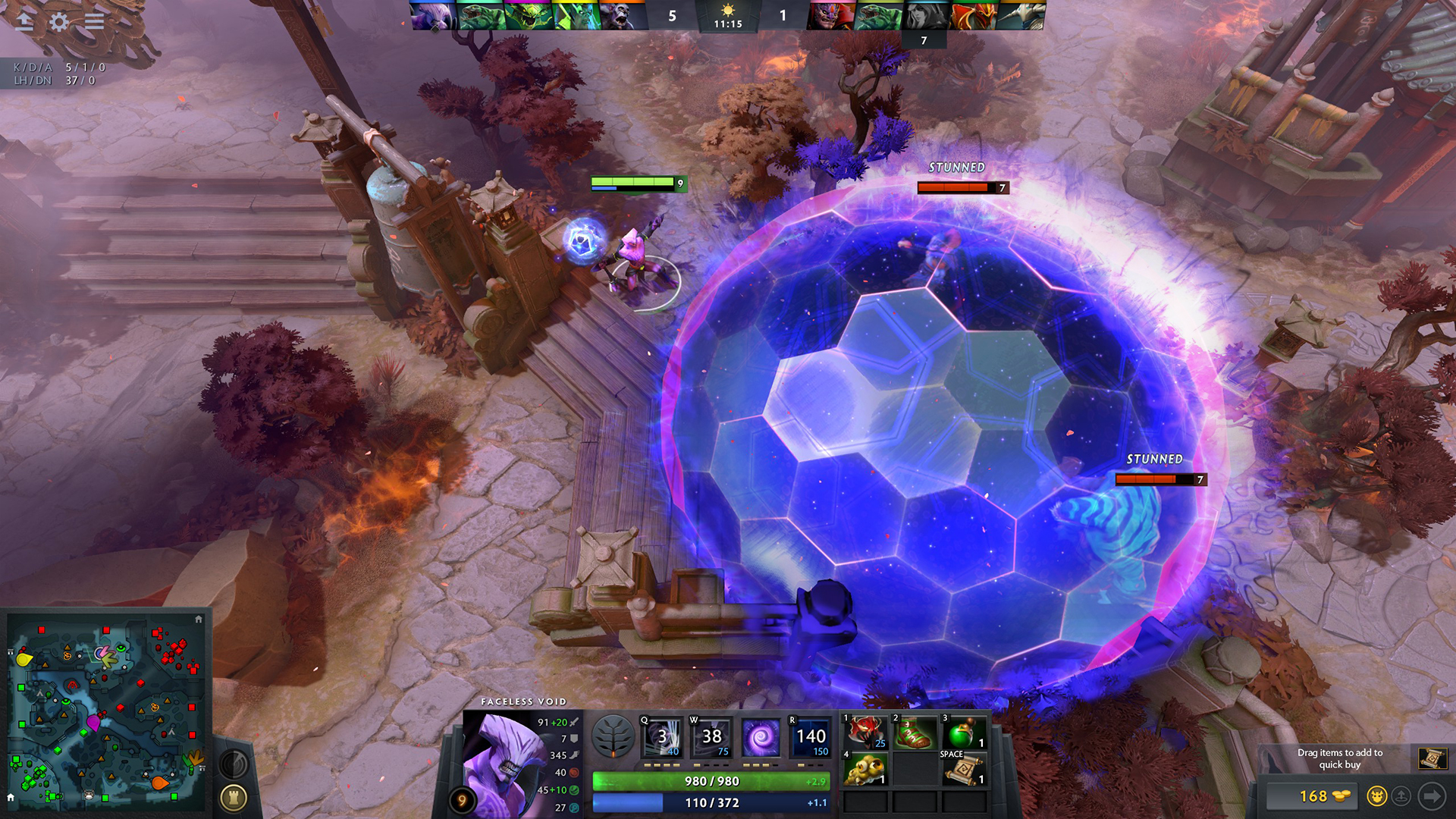
Defend your Ancient and prepare for battle, Gamers! Valve's premier competitive MOBA, Dota 2, continues to stand as the pinnacle of deep tactical strategy, micro-positioning, and esports mastery. Featuring a roster of over 120 completely free heroes, game-changing neutral items, and sprawling map mechanics introduced in massive updates like New Frontiers and Crownfall, every single match is an unpredictable war of wits.
Powered by Valve's Source 2 Engine, Dota 2 is renowned for running on almost any machine. However, maintaining unwavering 144Hz, 240Hz, and 360Hz framerates during chaotic 5v5 late-game high ground pushes—where Black Holes, Chronospheres, and Refresher spell combos explode simultaneously—demands high single-core CPU IPC. Below is the complete official breakdown of Dota 2 PC system requirements, esports hardware tiers, and pro optimization settings.
⚡ Instant MOBA Benchmark: Can Your PC Run Dota 2?
Test your laptop, office PC, or custom esports battlestation against Source 2 teamfight calculations in seconds:
🔥 Check Can I Run It? — Instant Rig & FPS Tester →Dota 2 — Official PC System Requirements
| Hardware Component | Minimum (1080p / 45-60 FPS Casual) | Recommended (1080p / 144+ FPS Competitive) |
|---|---|---|
| Operating System | Windows 7 / 8 / 10 / 11 (64-bit) | Windows 10 / Windows 11 (64-bit with latest updates) |
| Processor (CPU) | Dual-Core Intel or AMD CPU @ 2.8 GHz | Intel Core i5-10400F / AMD Ryzen 5 3600 (or Ryzen 5 5600) |
| Memory (RAM) | 4 GB RAM | 16 GB Dual-Channel RAM (Guarantees zero micro-stutter in 5v5 teamfights) |
| Graphics Card (GPU) | NVIDIA GeForce 8600/9600GT / AMD Radeon HD 2600/3600 | NVIDIA GeForce GTX 1660 Super / RTX 3050 / AMD Radeon RX 6600 |
| Graphics API | DirectX 11 Compatible | DirectX 11 / Vulkan API |
| Storage Space | 60 GB available space | 60 GB SSD space (SSD Highly Recommended for instant hero picking) |
| Network & Peripherals | Broadband Internet Connection | Low-latency Wired Ethernet + High Polling Rate Gaming Mouse |

Competitive Esports Hardware Tiers (144Hz, 240Hz & 360Hz)
Because Dota 2's Source 2 engine relies heavily on CPU L3 cache and single-core clock speeds during chaotic teamfights with 10 players casting ultimate spells, here is how modern hardware handles the load:
| Target Tier | Processor (CPU) | Graphics Card (GPU) | Expected Performance |
|---|---|---|---|
| 1080p @ 144Hz (Budget / Laptops) | Intel Core i3-12100F / AMD Ryzen 5 3600 | GTX 1650 / GTX 1060 / Radeon RX 580 | 120 - 160+ FPS |
| 1440p @ 240Hz (Ranked Immortal) | Intel Core i5-13600K / AMD Ryzen 7 5700X3D | RTX 3060 12GB / RTX 4060 / Radeon RX 6700 XT | Locked 240+ FPS / Zero Stutter |
| 360Hz+ / 4K Esports Tournament | AMD Ryzen 7 7800X3D / Intel Core i7-14700K | RTX 4070 Super / RTX 4080 / Radeon RX 7800 XT | 300 - 450+ FPS / Unmatched 1% Lows |

Pro Optimization Guide: Video Settings & Launch Options
Used by top pro league players at The International, these settings eliminate visual clutter while maximizing last-hit responsiveness:
- DirectX 11 vs Vulkan API: On modern Windows PCs with dedicated NVIDIA or AMD GPUs, DirectX 11 provides lower input delay and faster alt-tabbing. For Linux/Steam Deck users, Vulkan is the superior choice.
- Effects Quality & Screen Shake: Set Effects to Medium/High and disable Screen Shake and Ambient Creatures. Screen shake creates disorientation during teamfights, while ambient wildlife creates unnecessary rendering overhead.
- Shadow Quality: Set to Medium. This renders clear hero unit shadows beneath trees for juke pathing without tanking GPU framerates.
- FidelityFX Super Resolution (FSR): Keep Off (100% Render Scale) unless playing on integrated laptop graphics, ensuring maximum minimap icon clarity.
- Recommended Steam Launch Options:
-novid -high -map dota(The-map dotacommand pre-caches the map in RAM so you never lag out when loading into hero pick screen).
0 comments:
Post a Comment