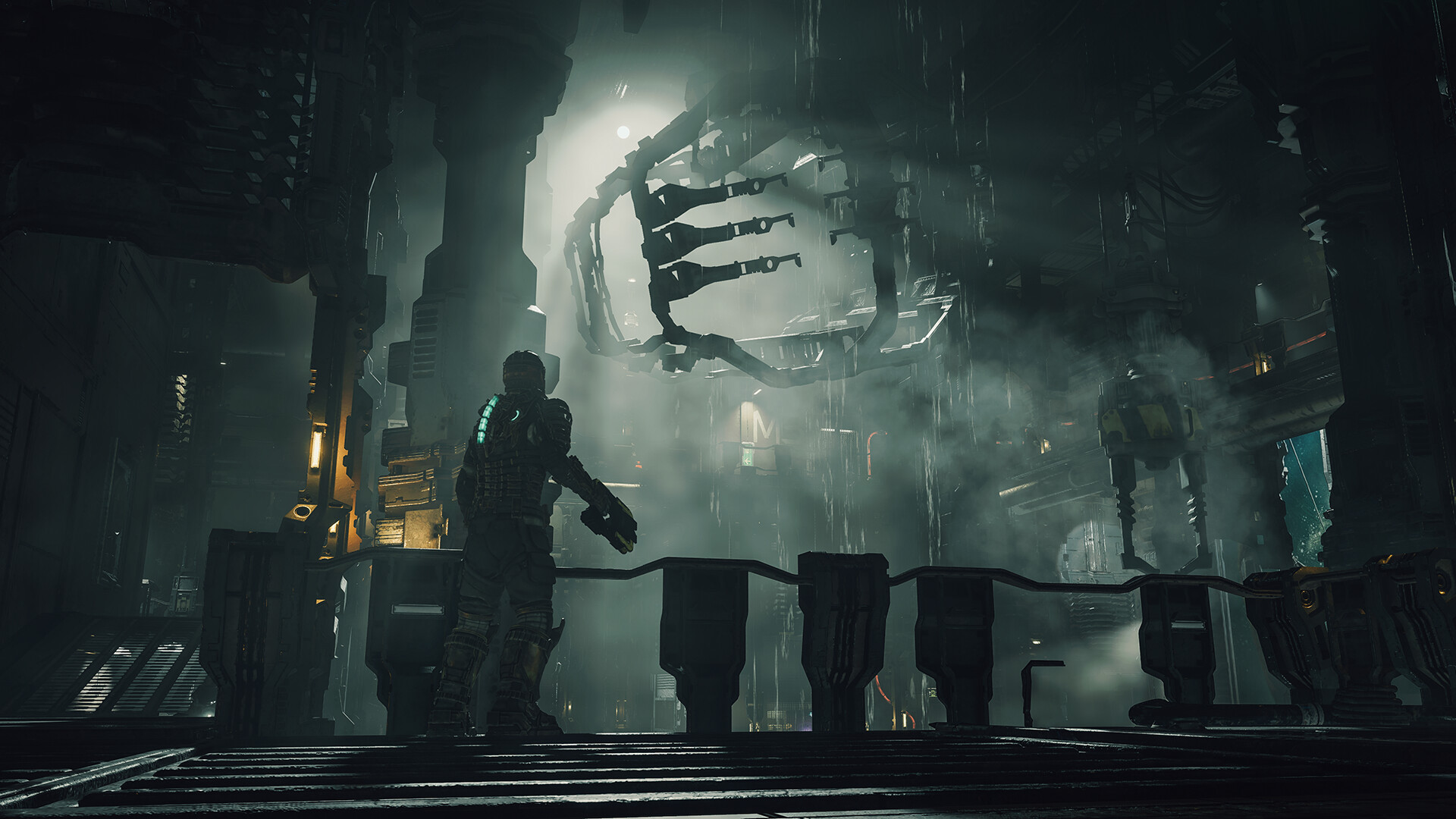
Gamers, prepare your Plasma Cutters and enter the quarantined corridors of the USG Ishimura. Motive Studio and Electronic Arts have completely rebuilt Dead Space from scratch in the Frostbite engine, delivering one of the most intense, terrifying, and visually stunning sci-fi survival horror masterworks of the modern generation.
Featuring a seamless interconnected ship layout with no loading screens, an atmospheric Intensity Director that dynamically alters lighting and Necromorph spawns, and an intricate flesh-peeling dismemberment damage model, Dead Space pushes PC hardware hard. Here is the full breakdown of PC system requirements, ray tracing performance, and graphics optimization tips.
⚡ Can Your PC Survive the USG Ishimura Without Frame Drops?
Test your graphics card, processor, and SSD against Dead Space Remake with our instant hardware benchmark tool.
🚀 TEST YOUR RIG WITH CAN MY PC RUN IT NOW →Dead Space Remake Official PC System Requirements
Below are the official minimum, recommended, and ultra 4K ray tracing specifications for Dead Space on PC:
Engine Analysis & Technical Optimization Insights
1. Mandatory SSD Streaming Requirement
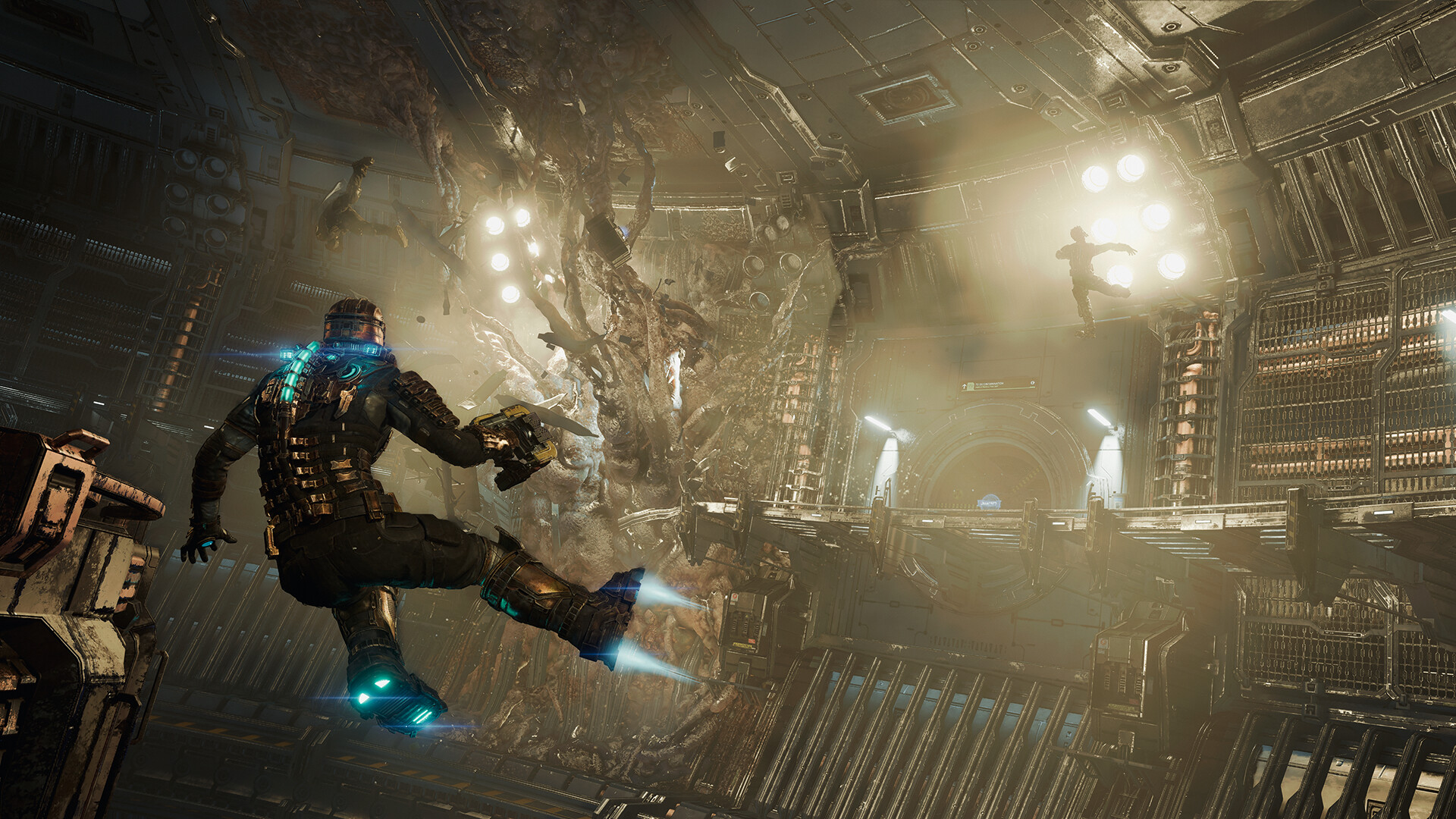
Unlike original 7th-generation console releases, the Dead Space Remake eliminates traditional tram loading screens. The entire mining ship is one interconnected environment. As Isaac traverses trams, cargo bays, and ventilation shafts, high-resolution geometry and audio cues are streamed into VRAM asynchronously. Installing the game on a standard mechanical HDD will trigger severe hitching, delayed audio cues, and visible asset pop-in.
2. Ray-Traced Ambient Occlusion (RTAO)
Dead Space features hardware-accelerated Ray-Traced Ambient Occlusion (RTAO). When toggled, RTAO calculates realistic soft shadow contact in steam-filled corridors, machinery nooks, and zero-gravity hulls. While RTAO elevates the claustrophobic dread to cinematic levels, it imposes a 15–20% performance cost on GPUs. For smooth 60+ FPS gameplay on midrange cards, pairing RTAO with DLSS Quality or FSR Quality is strongly advised.
Best Graphics Settings for Optimal Framerates & Horror Atmosphere
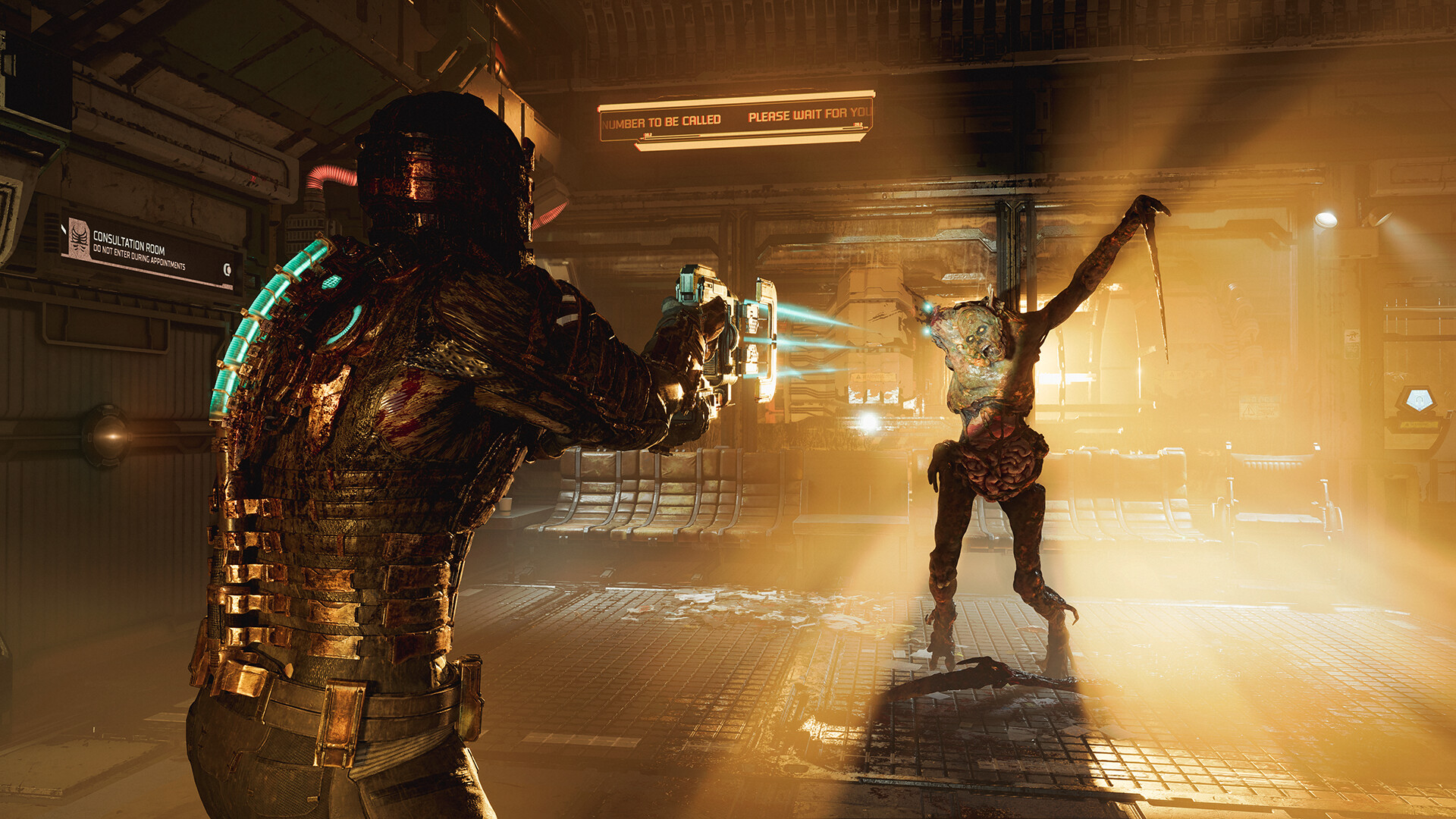
- Volumetric Resolution: Set to High. Volumetric lighting and atmospheric fog are core to Dead Space's horror aesthetic; setting this to High gives 95% of Ultra visuals with noticeable performance savings.
- Shadow Quality: Set to High. Provides clean, sharp dynamic shadows cast by Isaac's suit rig and flickering industrial emergency lamps.
- VRS (Variable Rate Shading): If you experience minor image blurring on dark surfaces, toggle VRS to Off for maximum clarity.
- Motion Blur & Film Grain: Setting Motion Blur to Off enhances precision aiming when slicing off Necromorph limbs with the Line Gun or Ripper.
Check out our full Game Specs Directory for all top horror and action titles, and visit our GPU Tier List & Hardware Guide to keep your PC ready for next-gen horror experiences.
0 comments:
Post a Comment