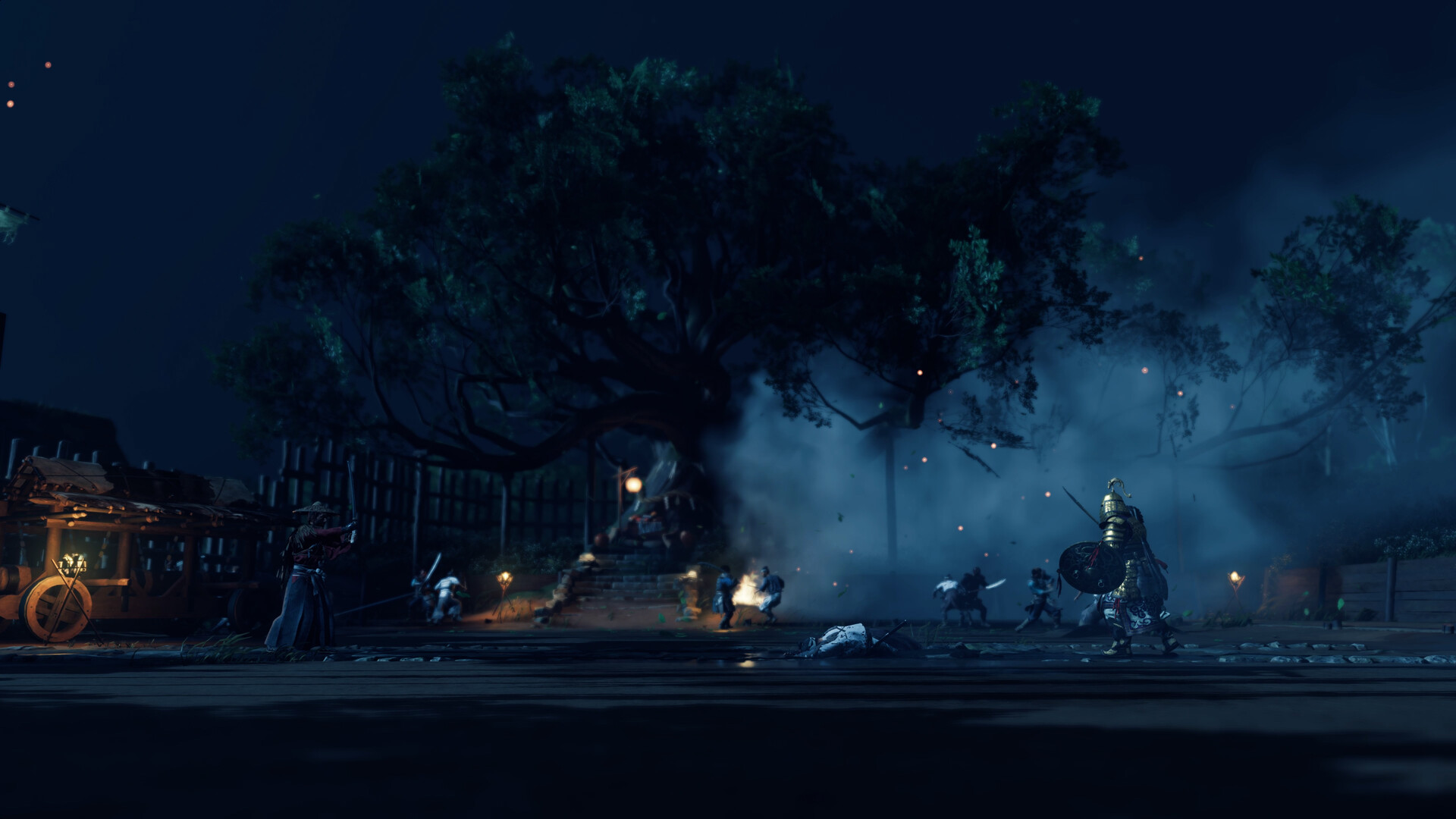
Gamers, draw your steel and embrace the Way of the Ghost. Ghost of Tsushima DIRECTOR'S CUT is widely regarded as one of PlayStation's greatest open-world samurai epics, masterfully ported to PC by the technical wizards at Nixxes Software and Sucker Punch Productions. Experience Jin Sakai's fight for Tsushima Island and the Iki Island expansion with unlocked framerates, 21:9 / 32:9 / 48:9 ultra-widescreen support, and advanced temporal upscaling technologies.
From rustling golden pampas grass fields to cinematic duel arenas lit by lanterns, Ghost of Tsushima on PC delivers breathtaking visual artistry. Below is the complete official PC system requirements breakdown across all resolution tiers, plus essential graphics optimization tips.
⚡ Is Your PC Sharp Enough for 60+ FPS Samurai Combat?
Test your graphics card and processor with our instant benchmark diagnostic tool to verify compatibility and FPS across 1080p, 1440p, and 4K presets.
🚀 TEST YOUR RIG WITH CAN MY PC RUN IT NOW →Ghost of Tsushima DIRECTOR'S CUT PC System Requirements
Here is the official hardware requirements breakdown provided by PlayStation PC LLC and Nixxes:
Nixxes PC Port Architecture & Performance Highlights
1. DirectStorage & Dynamic Particle Physics
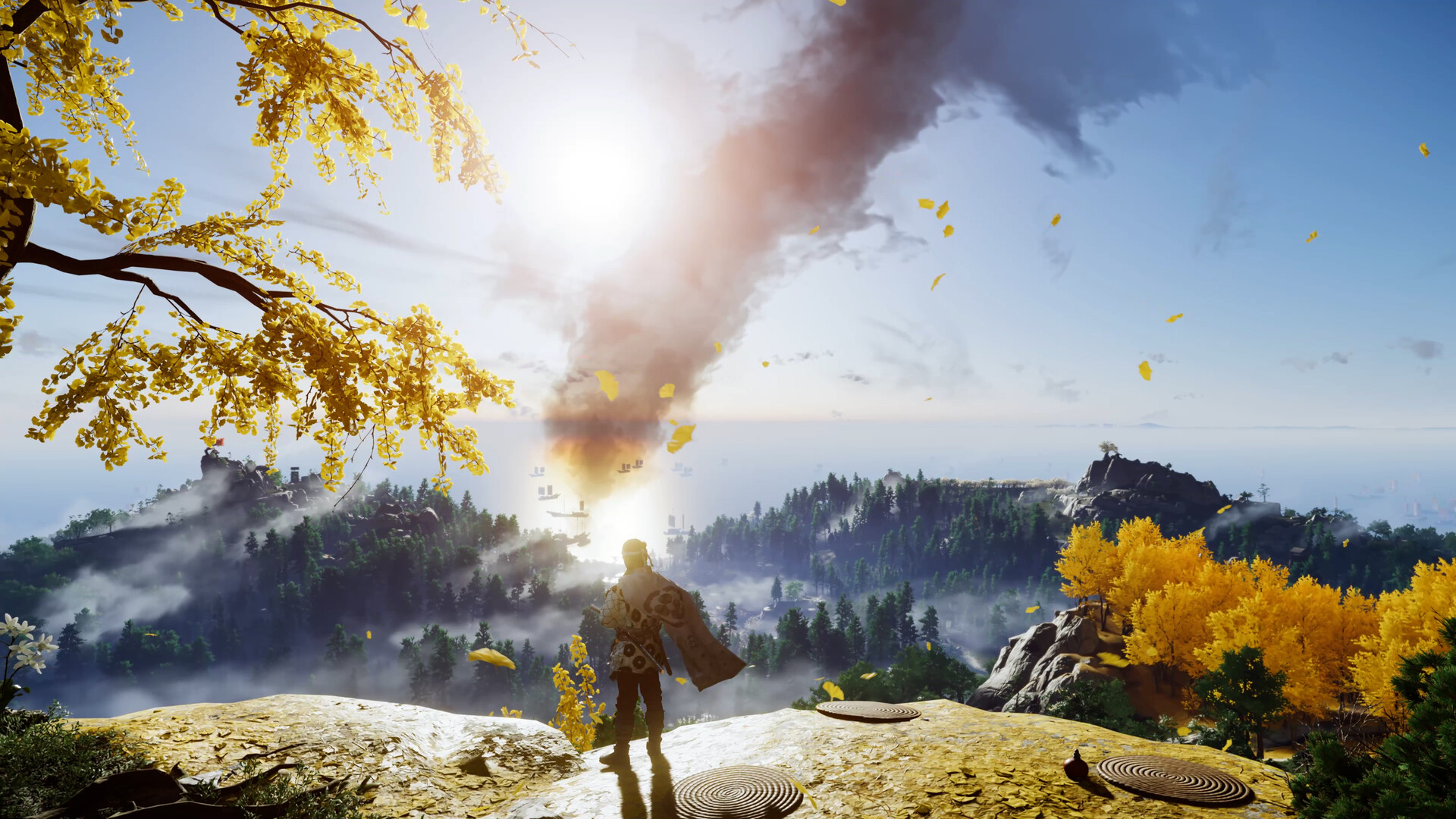
The PC edition incorporates Microsoft DirectStorage for ultra-fast GPU texture decompression. Tsushima’s world is saturated with dynamic atmospheric particle effects—swirling Guiding Wind gusts, flying autumn maple leaves, and thousands of grass blades reacting to your horse's gallop. Running the game on an NVMe SSD ensures instantaneous fast travel and zero hitching during rapid zone transitions.
2. Temporal Upscaling & Frame Generation Support
Ghost of Tsushima is one of the best-optimized PC titles, featuring complete native support for NVIDIA DLSS 3, AMD FSR 3, Intel XeSS, and NVIDIA DLAA. You can even combine DLSS Super Resolution with FSR 3 Frame Generation on supported GPUs, allowing midrange gaming rigs to maintain flawless 100+ FPS during intense multi-enemy standoffs.
Best Graphics Settings for Silky-Smooth Framerates
- Shadow Quality: Setting Shadows to High rather than Very High provides crisp, clean contact shadows beneath bamboo forests while yielding a healthy 8–10% framerate gain.
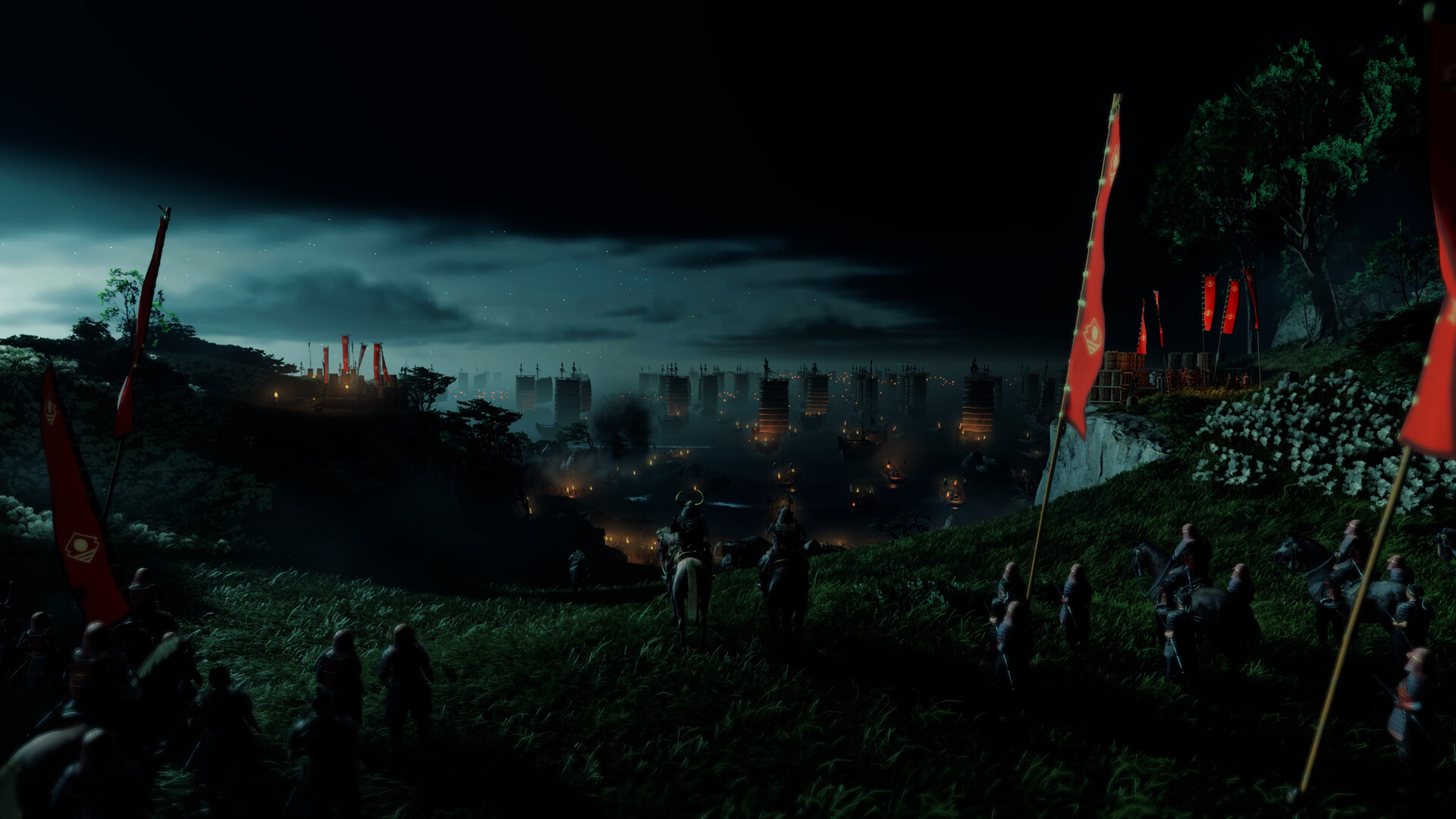
- Volumetric Fog & Light Shafts: Setting Volumetrics to Medium / High preserves the iconic cinematic Kurosawa-inspired sunbeams and morning mists while preventing GPU thermal throttling.
- Reflections: Set to High. Provides accurate SSR across rivers, rain puddles, and ocean coastlines without draining VRAM.
- NVIDIA Reflex / AMD Anti-Lag: Enable to minimize input latency for pixel-perfect parries and dodging timings.
Check out our full Game Specs Directory to benchmark all open-world and PlayStation PC releases, and explore our GPU Tier List & Hardware Guide to keep your battle station in prime condition.
0 comments:
Post a Comment