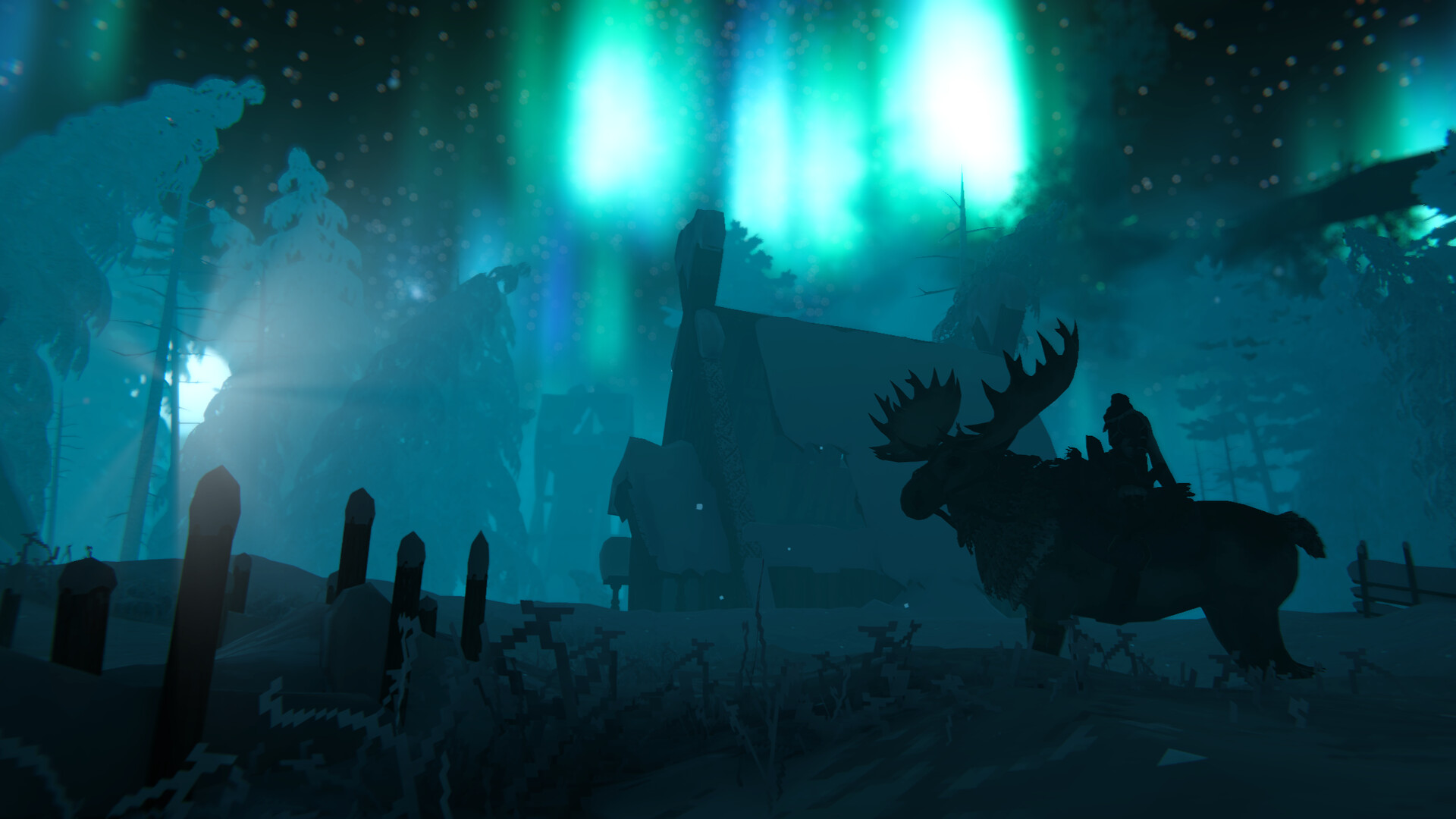
Skål, Gamers! Don't let Valheim’s stylized, retro low-poly art style fool you—Iron Gate’s legendary Viking survival sandbox combines lightweight textures with state-of-the-art volumetric fog, high-density lighting, dynamic water physics, and real-time smoke simulation. Once you start raising colossal mega-fortresses and braving demanding biomes like the Mistlands and Ashlands, your CPU and GPU will be pushed harder than taking on Moder in a blizzard.
🛡️ Will Your PC Survive the 10th Norse Realm?
Find out instantly whether your CPU can handle thousands of building instances and dynamic weather without dropping frames. Run our interactive benchmark tester:
TEST VALHEIM RIG PERFORMANCE →Official Valheim PC System Requirements
Here are the baseline requirements from Iron Gate AB. While the install footprint is famously small (barely over 1 GB), rendering vast draw distances and massive player settlements requires capable modern hardware:
2026 Realistic Performance & Base-Building Targets
Valheim tracks every single log, stone wall, torch, and terraformed voxel in real time (known as "Instances"). When building massive Viking castles, standard hardware will be pushed hard. Here is what we recommend for smooth gameplay in 2026:
Key Optimization Tips: Vulkan Mode & Graphics Tweaks
- Launch with Vulkan: When launching Valheim via Steam, select "Play Valheim using Vulkan". On modern AMD Radeon and Nvidia RTX GPUs, Vulkan significantly reduces draw-call CPU overhead in large villages and stabilizes frametimes.
- Vegetation Quality: Medium (High foliage density dramatically increases GPU draw calls in dense Black Forests and Swamps; Medium gives almost identical looks with a +15% FPS boost).
- Shadow Quality: Medium (High dynamic shadow calculations in heavily forested areas heavily strain GPUs).
- SSAO (Screen Space Ambient Occlusion): Medium or Low (Turn to Low for a +10 FPS uplift in dense wooded areas).
- Motion Blur & Chromatic Aberration: Disabled (Turns off unnecessary distortion and sharpens overall visual fidelity).
- Depth of Field: Disabled (Keeps background vistas crystal clear without performance penalty).
- Point Lights: If building a mega-base with dozens of sconces and campfires, keep point light counts moderate to prevent massive draw-call bottlenecks.
Discover More Game Benchmarks & System Specs
Explore our comprehensive catalog of survival games, RPGs, and hardware guides:
0 comments:
Post a Comment